Blog
Practical tutorials and tips on image, compression, formats, and performance.
140 posts · Page 1 of 12
-
 Tutorials
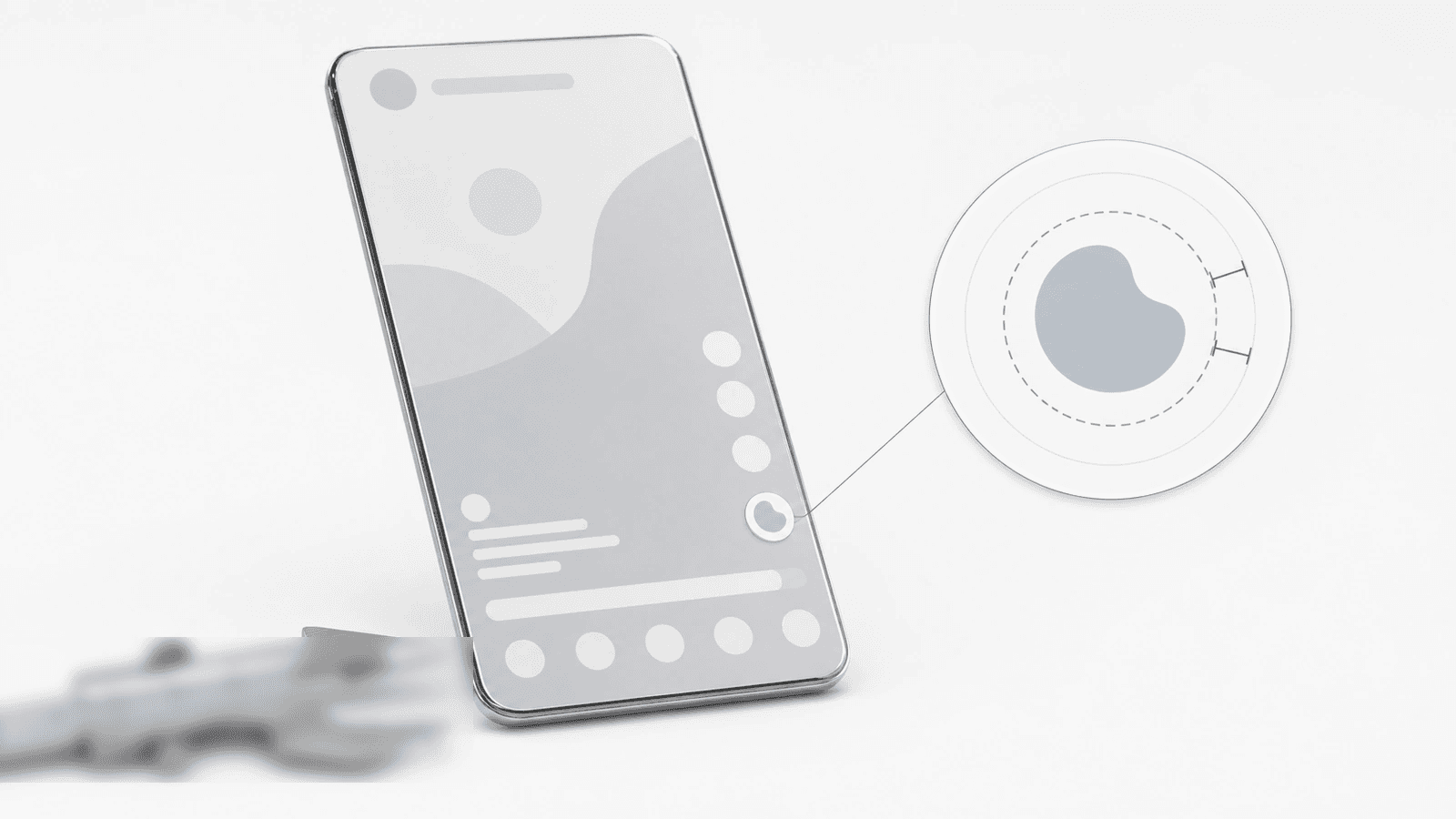
TikTok Profile Picture Size Guide 2026: The 98px Reality
TikTok renders your profile photo at 98x98 with a 66x66 safe zone. Upload 720x720, keep the subject inside 485 px, and pick the format by subject.
-
 Tutorials
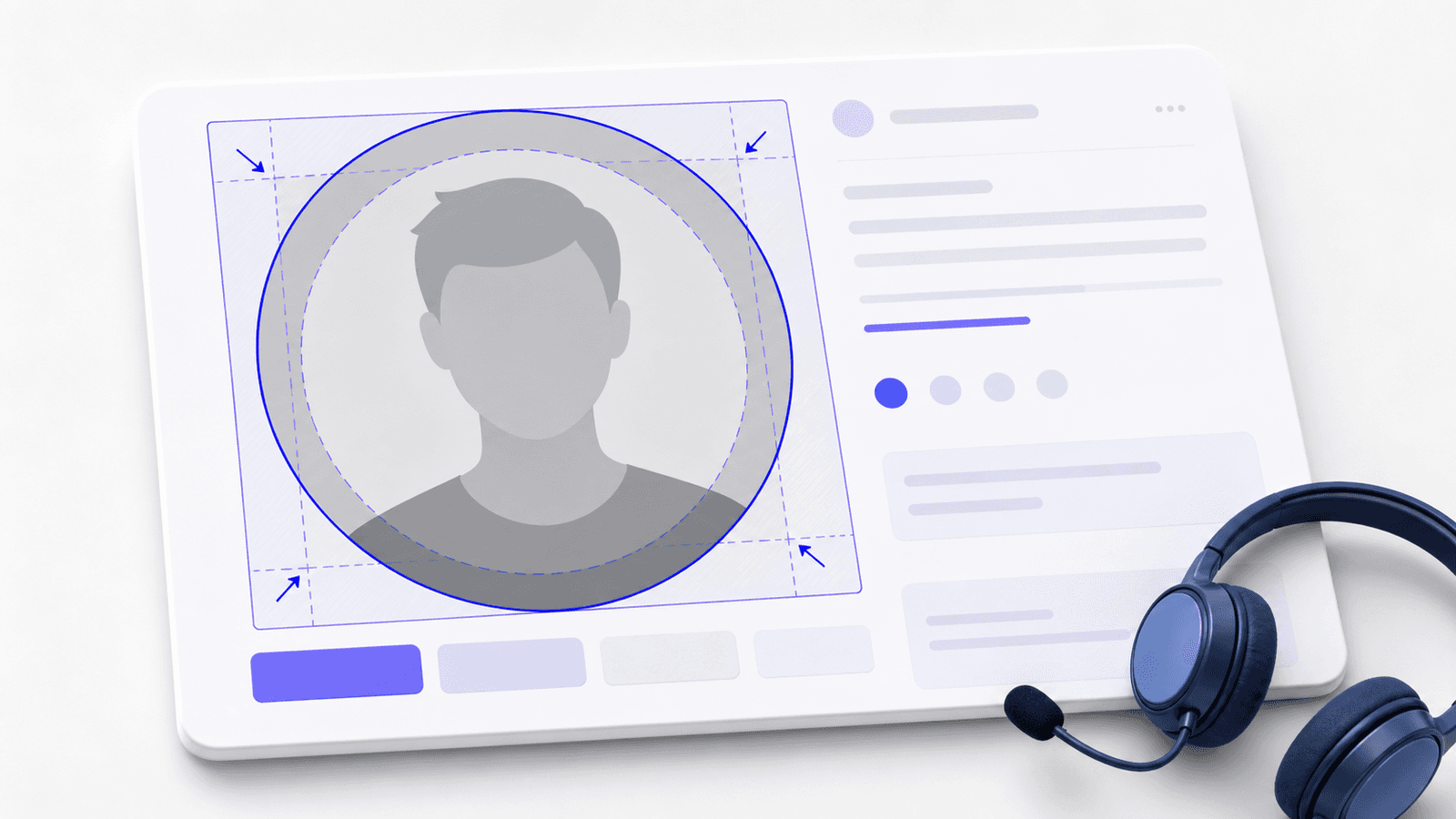
Teams Profile Picture Guide 2026: Circle Crop
Prepare a sharp Teams profile picture with a square source, a protected circle crop, and a 648x648 export that keeps your face in frame.
-
 Tutorials
Facebook Page Profile Picture Guide 2026: Safe Crop
Make a Facebook Page profile picture that survives the circle crop with a 640 px master, a safe center, and a practical upload check.
-
 Tutorials
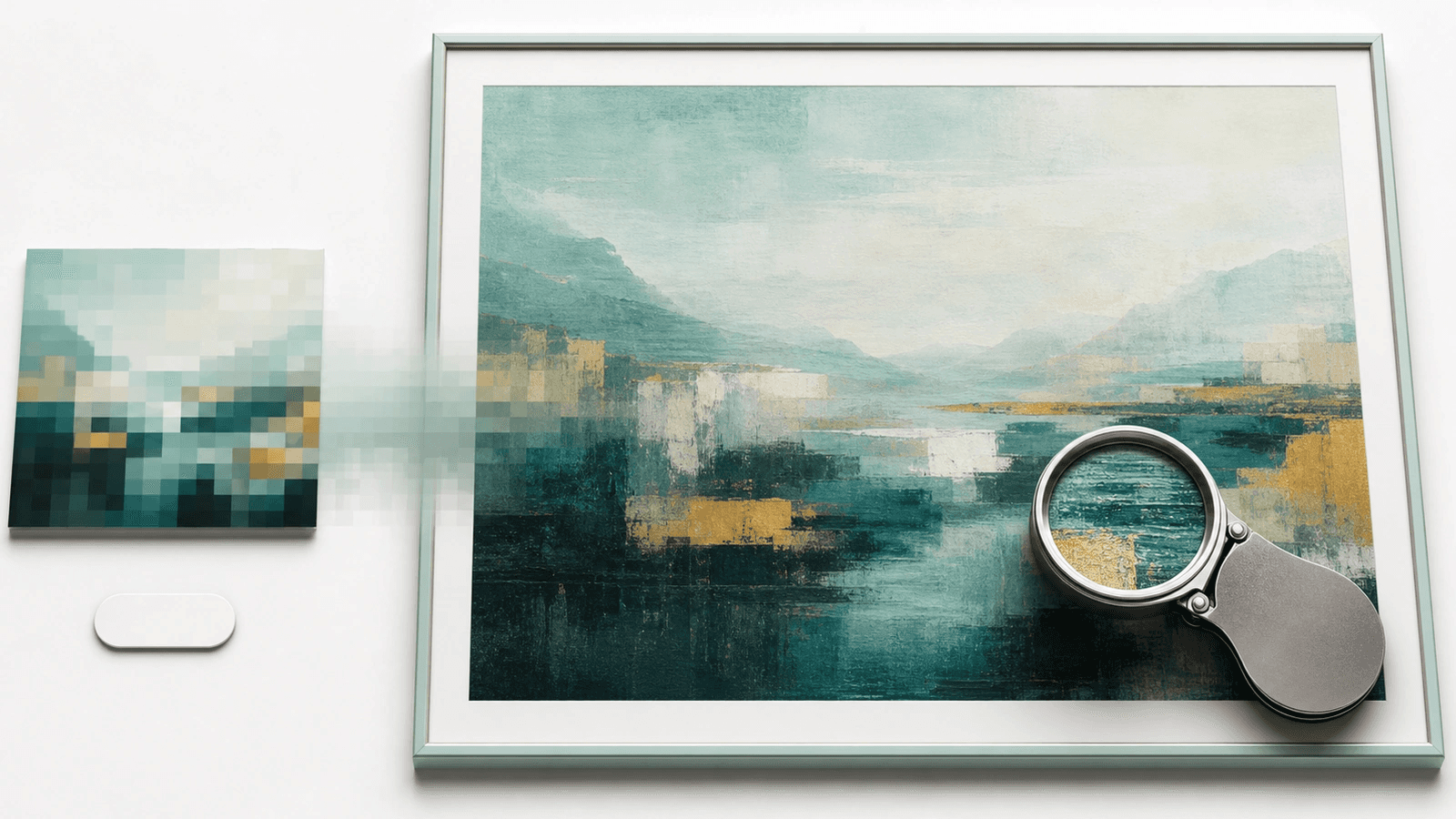
Enlarge a Low-Resolution Photo for Print Without Pixelation
Before you upscale a low-res photo for print, check its pixels against the size: at 300 PPI a 4x6 needs 1200x1800. Here's what a 2x AI pass can rescue.
-
 Tutorials
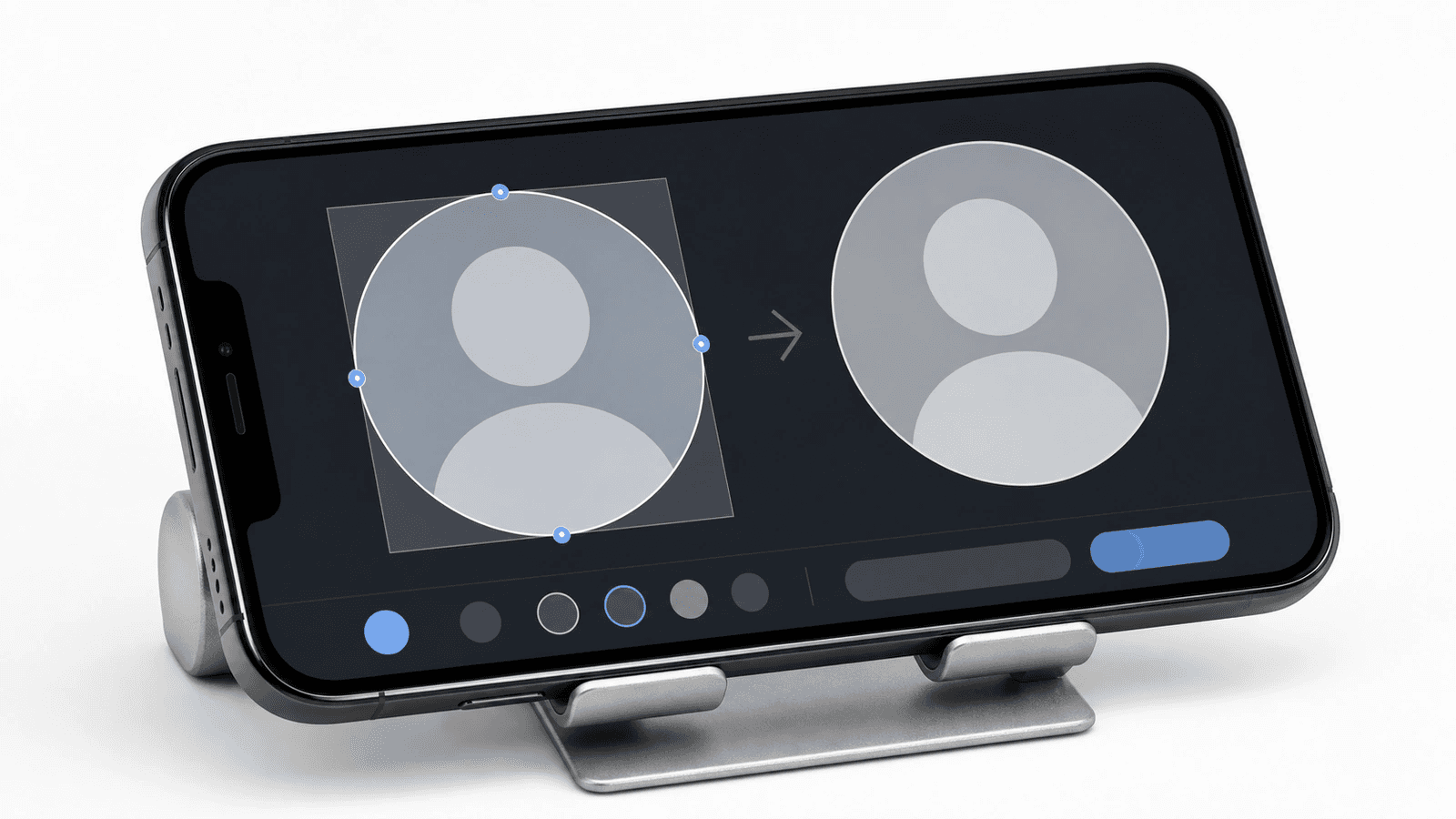
How to Crop a Picture Into a Circle on iPhone
Crop an iPhone photo to a square first, then preview the real circle so faces, logos, and transparent edges survive the final upload.
-
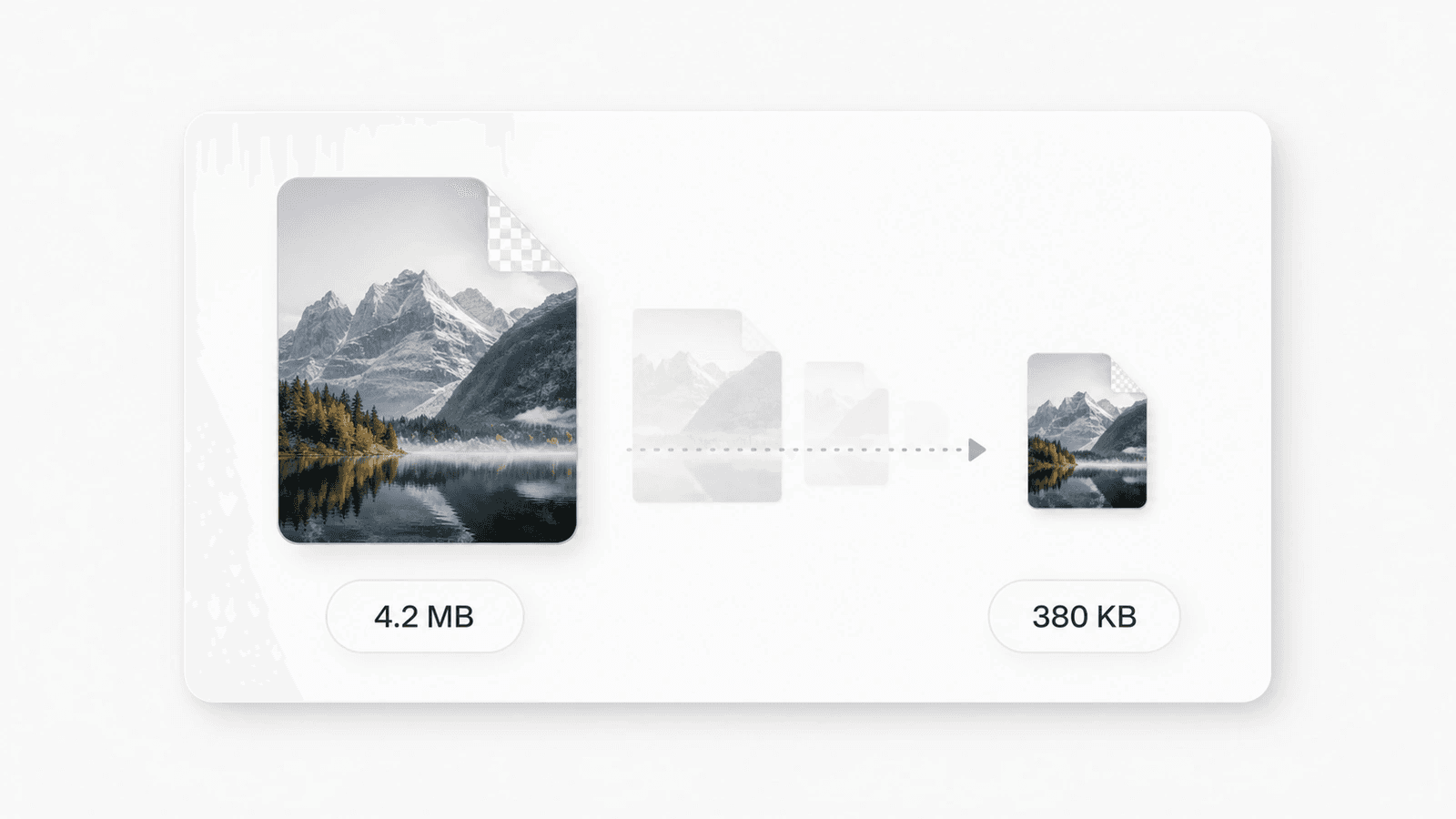 Image Optimization
Best Free Image Compressor 2026: Free-Tier Limits, Measured
The best free image compressor depends on the caps, not the star rating: batch size, MB ceilings, daily task meters, and upload vs local, measured.
-
 Tutorials
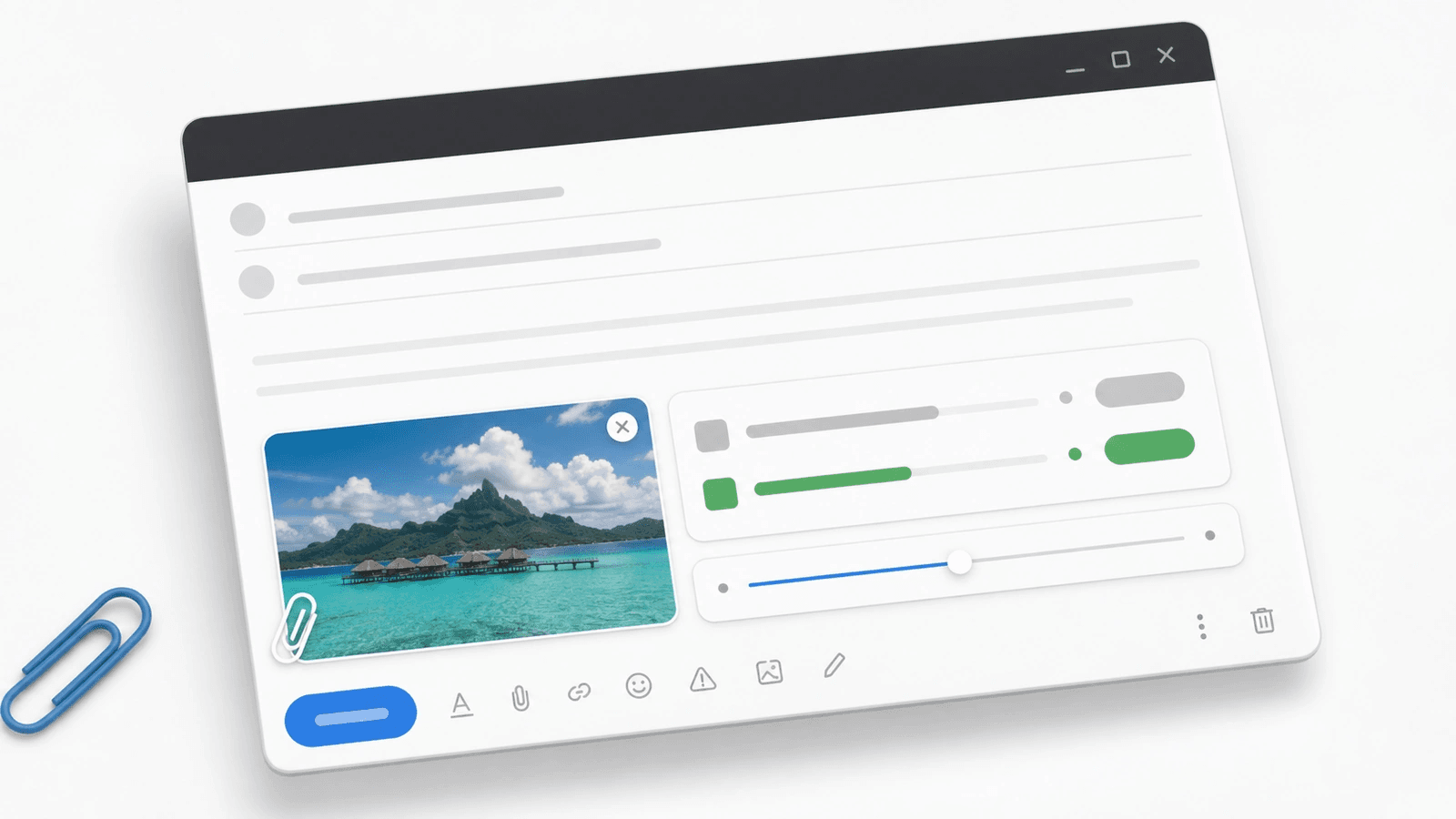
Compress Photo to 1 MB Guide 2026: Size Before Quality
Compress a photo to 1 MB without crushing detail. Crop dead pixels first, resize the long edge, then export a clean copy for email or upload.
-
 Tutorials
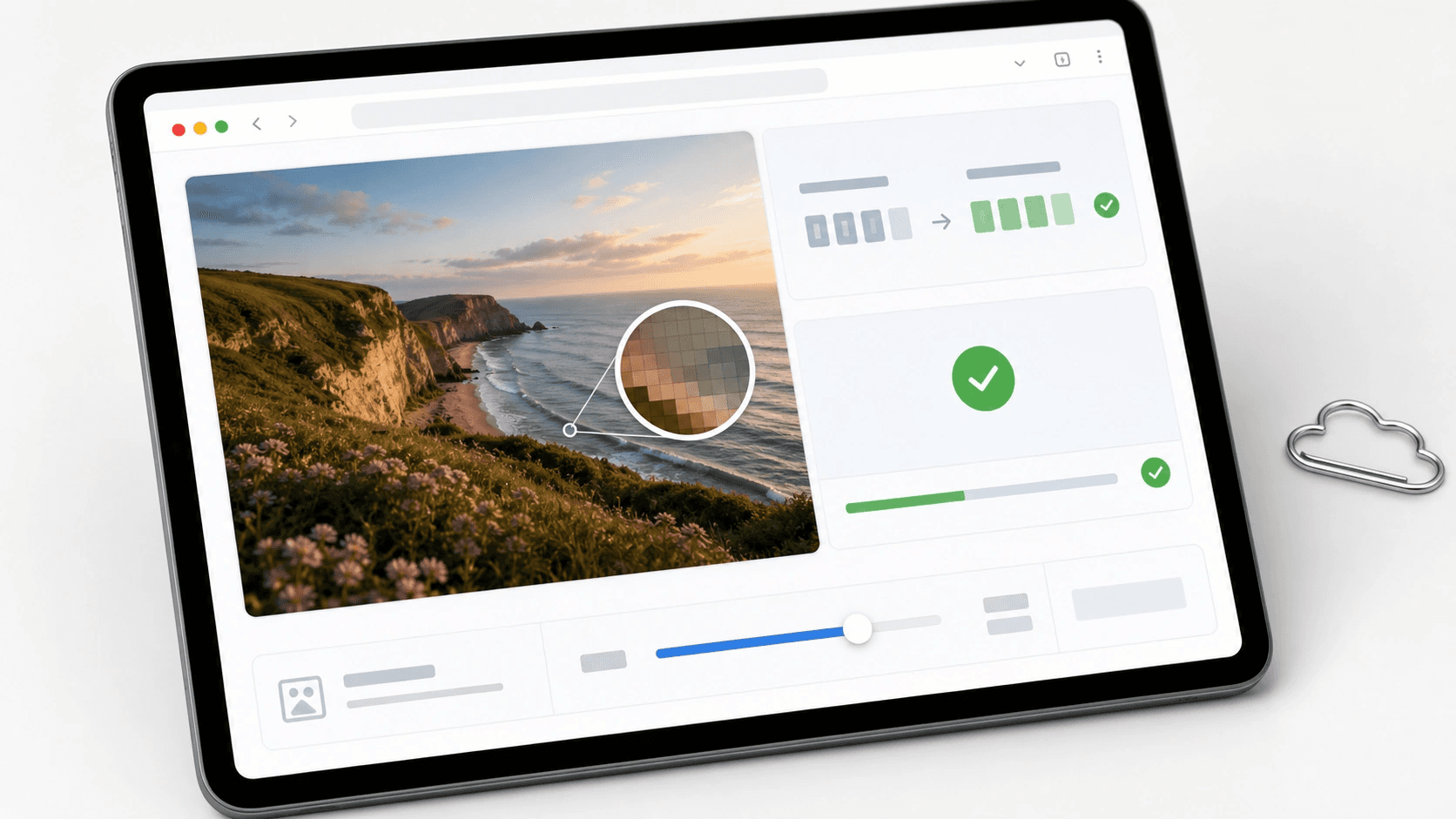
Compress Image to 100 KB Guide 2026: Resize First
Compress an image to 100 KB without crushing detail: crop dead space, resize pixels, then lower quality only as much as needed.
-
 Tutorials
Reduce Photo File Size on Android Guide 2026
Reduce photo file size on Android with native crop and resize steps, then compress a copy for Gmail, forms, and clean sharing.
-
 Tutorials
Bluesky Profile Picture Guide 2026: Circle Crop That Reads
Crop a clear Bluesky profile picture: square source, circular safe zone, PNG/JPG export, and a file under the real 1 MB avatar cap.
-
 Tutorials
YouTube Channel Picture Guide 2026: 800x800 Safe Crop
Use the right YouTube channel picture size, crop for the circle, and proof your logo or face at 98 x 98 before upload.
-
 Tutorials
Free Image Tools That Process Locally Guide 2026
Find which free image tools process locally, which upload files, and how to verify a no-upload claim before using private photos.


