Does converting reduce image quality?
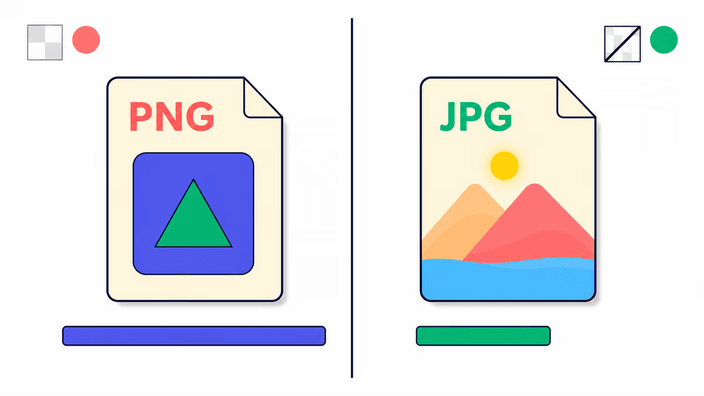
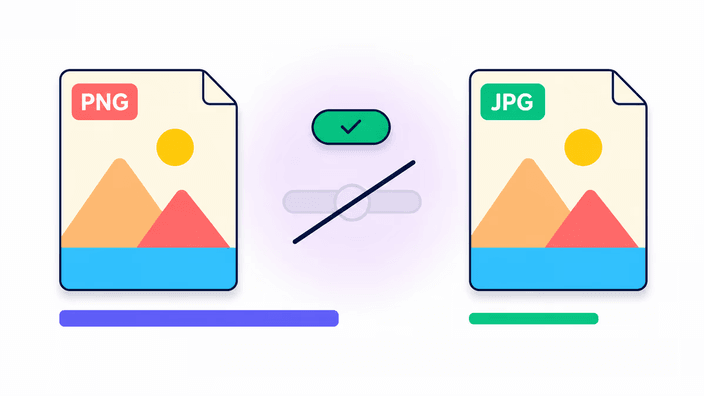
PNG output keeps every detail exactly as it was — no information is discarded. JPG, WebP, and AVIF compress when they save, and at the default quality setting the difference in a normal photo is hard to spot. Converting a compressed source such as JPG into PNG does not recover lost quality; it just produces a larger file.
Is it safe to convert images online?
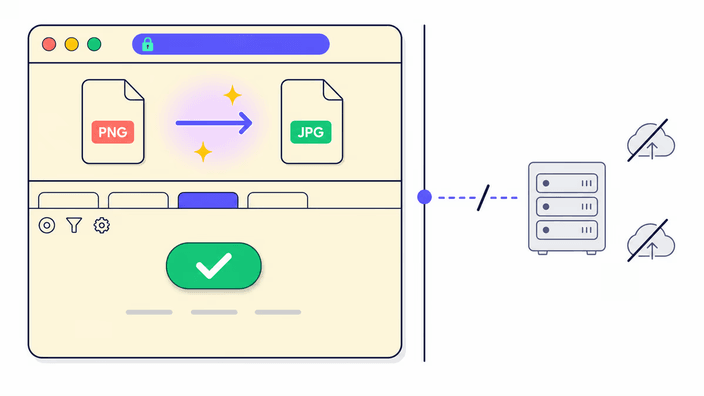
Most single images convert inside the browser, on your device. Converting to AVIF, or converting several at once, sends the work to our server, which processes it and removes the download link after about two hours. For how files are handled, see the privacy policy.
Can I convert multiple images at once?
Yes. Each format pair page accepts a single image or a batch, and the results come back together as a ZIP file. Most single images convert in your browser. Converting to AVIF, or a batch of two or more, is processed on our server and the download link is removed after about two hours.
What is the best image format for websites?
WebP and AVIF are the modern web formats, generally smaller than JPG at the same visual quality and supported in all current browsers. Use JPG for the widest compatibility across older systems and platforms. Use PNG when transparency needs to be preserved exactly, and AVIF when you want the smallest possible file for a modern audience.
What image formats can I convert?
RoundCut converts between PNG, JPG, WebP, and AVIF, the four main web formats. GIF works as an input using its first frame only, but is not available as an output yet. HEIC, TIFF, BMP, SVG, and RAW are not supported yet. New format pairs appear in the grid as they ship.
What happens to transparent areas when I convert to JPG?
JPG has no transparency channel. When you convert an image that has a transparent background to JPG, those transparent areas become solid white in the output. If you need to keep transparency, choose PNG, WebP, or AVIF as the output format, since all three support it.
Does converting remove camera metadata from the photo?
Yes. The conversion passes the image through a new encoding step, and camera metadata such as GPS location, device model, and exposure settings is stripped in the process. This happens whether the conversion runs in the browser or on the server. The color profile may be kept or removed depending on the browser and the output format chosen.
Why did my file get larger after converting?
PNG stores every detail without discarding anything. If the source was already compressed, such as a JPG or WebP, converting it to PNG re-encodes the result of that compression exactly, which produces a larger file. The larger size does not mean the output has more quality than the source had, only that the new format is more precise about what it received.