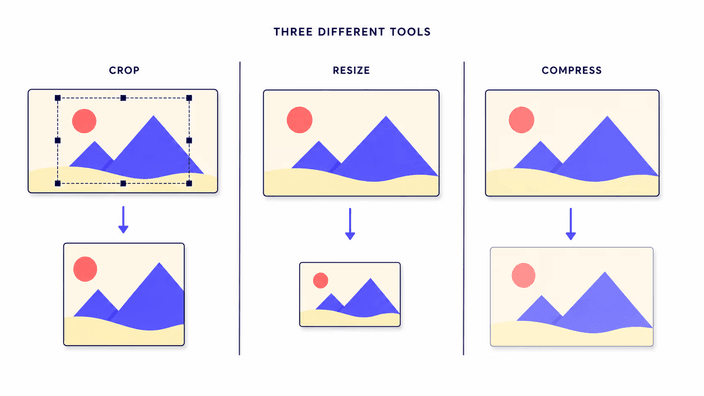
Does cropping reduce image quality?
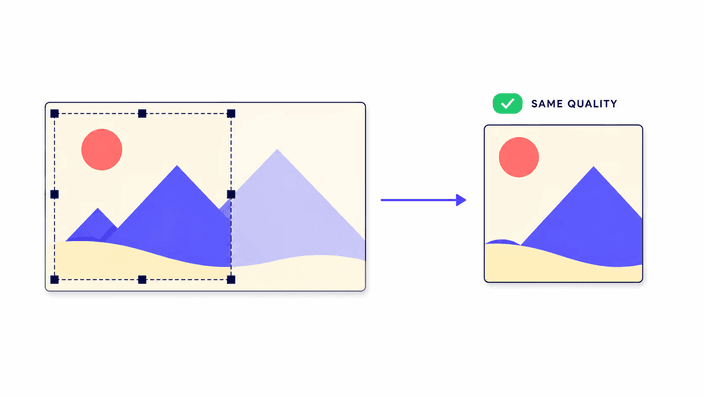
Not by itself. Cropping keeps a section of the original image at its native detail level. The only scenario where quality drops is if you then enlarge a small crop to fill a much larger frame — the image then has less detail to cover more area. Crop close to the size you plan to display and the result stays sharp.
Is it safe to crop images online?
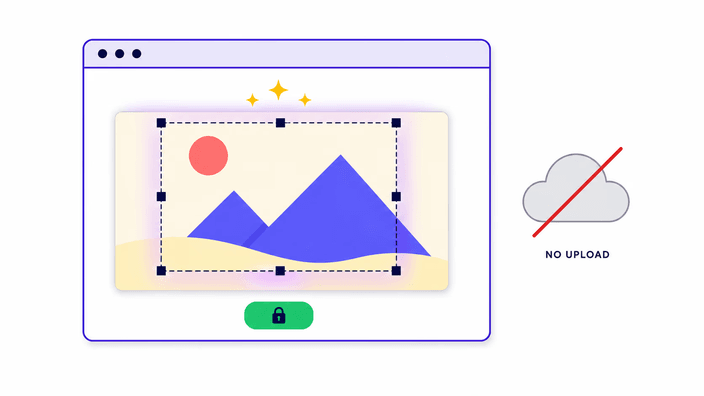
Here it is, because nothing is uploaded. The crop runs inside your browser — the image is opened locally, never sent to a server, and cleared from memory when you close the tab. That makes it a good fit for private material such as ID documents, medical scans, or personal screenshots. See the /privacy/ page for full details.
Which crop shape should I use?
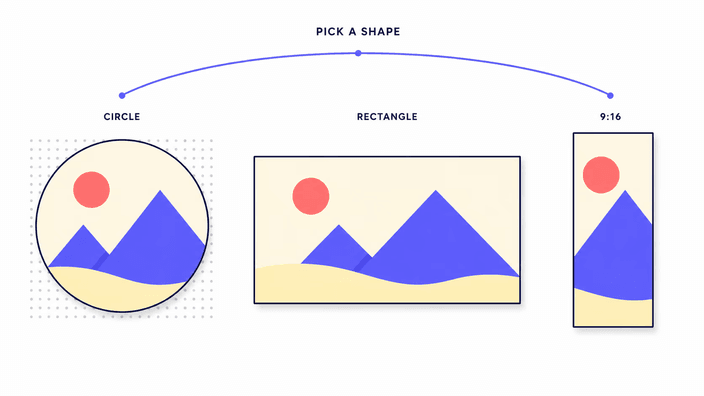
Let the destination decide. Use a circular crop for anything that displays in a round frame, such as profile pictures and avatars — it produces a transparent-background PNG without white edges. Use a free rectangle to retrim or recompose a photo. Use a fixed ratio or a social-media preset when the upload needs exact proportions so the result is not stretched or trimmed by the platform.
Can I crop a photo into a circle?
Yes. The circular crop produces a round image with a transparent background so the result sits inside any round frame without white corners. Save as PNG or WebP to keep the transparency. If you save as JPG the transparent corners fill with a solid color, since that format does not support transparency.
How do I crop an image for Instagram?
Use the social-media preset for the format you need: 1:1 for feed posts, 9:16 for stories and reels, or 4:5 for portrait posts. The crop box opens at the dimensions Instagram expects, so you adjust the frame until the subject is positioned the way you want, then download. No manual number entry needed.
Can I crop multiple images at once?
Each crop is one image at a time, because the framing is a manual choice that is rarely the same from photo to photo. Open one, position the crop, download it, then move to the next. There is no upload step between them, so working through a small set stays fast.
What image formats can I crop?
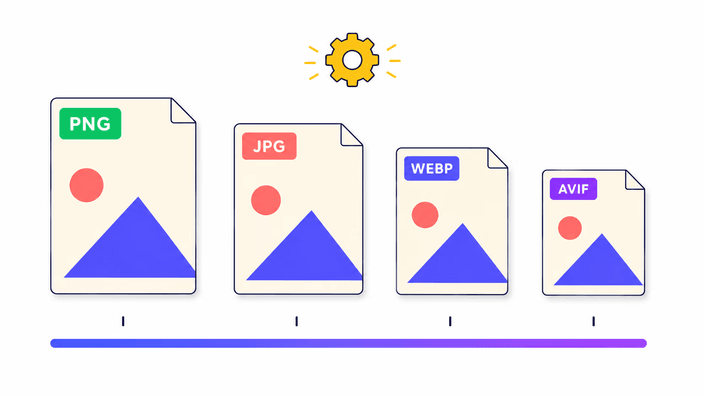
PNG, JPG, WebP, AVIF, and GIF. For animated GIFs, only the first frame is cropped. You can save the result as PNG when you need transparency or full detail, or as JPG for a lighter file. Pick the input you have and choose the output that fits where the crop is going.
Does the tool upload my files?
No. Your file is opened, cropped, and returned entirely on your own device, with no server call at any stage. Nothing is sent away, no copy is left online. You can confirm this in your browser's developer tools: the Network tab will show zero outbound requests while you crop.