How do I resize an image without losing quality?
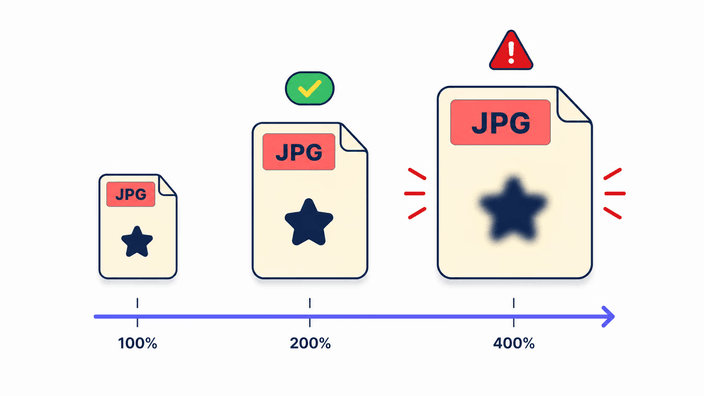
Making a photo smaller keeps it looking sharp, because the detail is packed into fewer pixels. To protect quality, leave the aspect ratio locked so nothing stretches, and save as PNG, or as WebP at a high setting, when you want every detail kept. Quality only drops noticeably when you enlarge a small photo well past its original size, which spreads the detail too thin.
Can I resize an image to exact dimensions?
Yes. Type the width and height you need and the picture is redrawn to match. With the aspect ratio locked, setting one side fills in the other on its own so the photo never stretches. Turn the lock off when a destination demands a precise shape that differs from the original, and the image is fit to those exact numbers.
What is the difference between resizing and compressing?
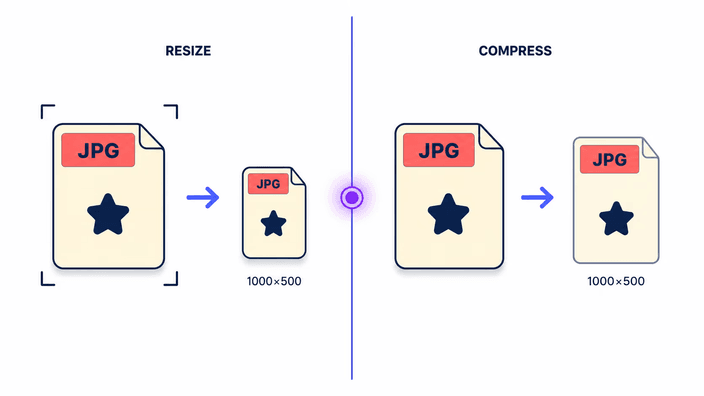
They sound alike but do different jobs. Resizing changes the dimensions in pixels, making the picture physically smaller. Compressing leaves the dimensions and trims the file weight instead. Pick resize when a form asks for a smaller width or height, and reach for compress when the size is right but the file is too heavy to attach.
Which image formats can I resize?
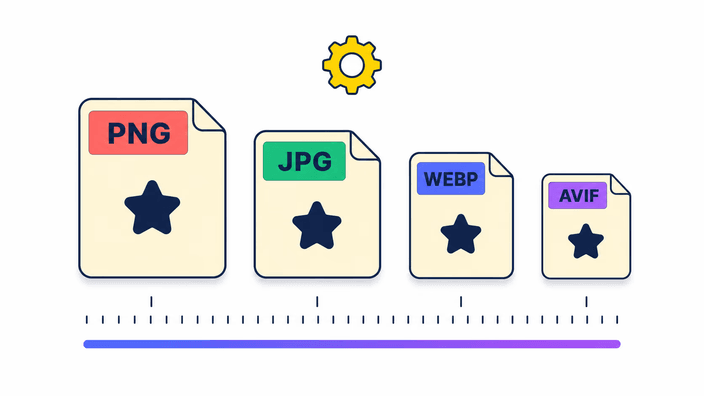
You can resize JPG, PNG, WebP, and AVIF directly, and choose which of those four to save as on the way out. A HEIC photo from an iPhone is not read here, so convert it to a common format first and then resize the result. A transparent PNG keeps its clear areas when you save back to PNG, WebP, or AVIF.
How long does resizing take?
It is quick, because the work runs on your own device rather than on a server. For most photos the new size is drawn almost as fast as you set it. A very large source or an AVIF export takes a moment longer to write, but there is no upload to wait on and no queue, so the result is ready right after you choose the size.
Are my images uploaded to a server?
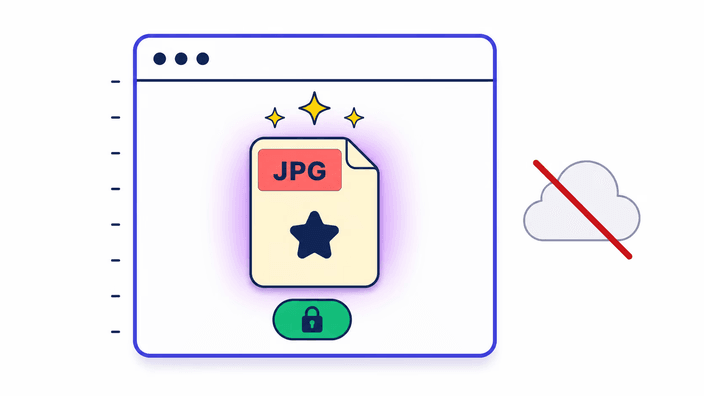
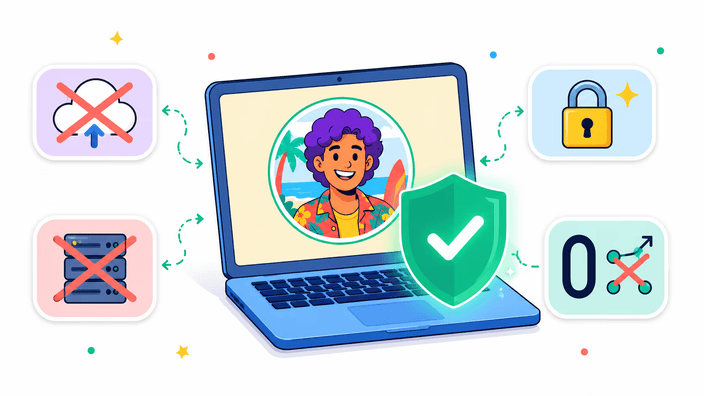
No. The resize runs entirely on your own device, and the photo is not sent anywhere. You pick a file, set the size, and the result downloads straight back to you, with no round trip in between. After the page loads it does not reach the network again, so a resize works even if the connection drops. The privacy page explains how files are handled.
Can I make an image larger?
You can, but enlarging spreads the existing detail across more pixels rather than adding any, so a much bigger copy looks softer. Past about double the size that softness shows. For a modest increase it is fine. When you need a small photo to fill a large space, an AI upscaler is the better tool, since it builds plausible new detail.
Does resizing remove image metadata?
Yes. When the resized image is saved, the camera metadata, such as the location, device model, and timestamps, is left out, so the file you download carries only the picture. That is handy when you share a photo and do not want the embedded details going with it. If you need that metadata kept, work from a copy that still has it.