Is the image compressor free?
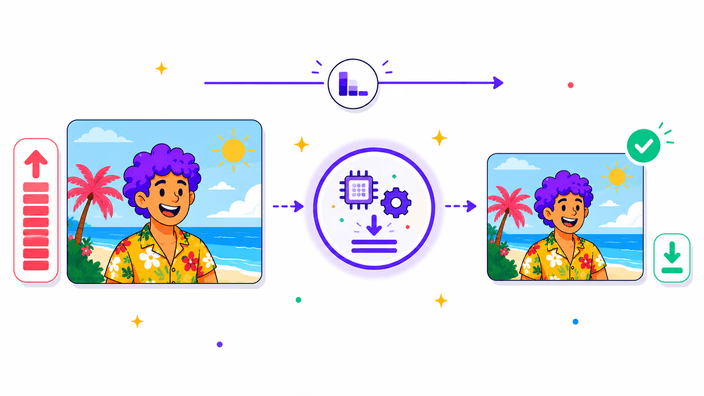
Yes. You can compress as many of your images as you like, one at a time or a batch at once. Drop your files, click the Compress button, and download the result, there is no trial to start and nothing to install. The smaller file you get is yours to use however you need, on a site, in an email, or anywhere else you are sending it.
Will compressing change my file format?
No. Every file keeps the format you started with, the type you put in is the type you get back, just lighter. If you want a different type instead, that is a conversion, and you can swap the format with the convert tool and then compress whatever comes out of it. Compressing alone never touches the format itself.
Can I compress more than one image at a time?
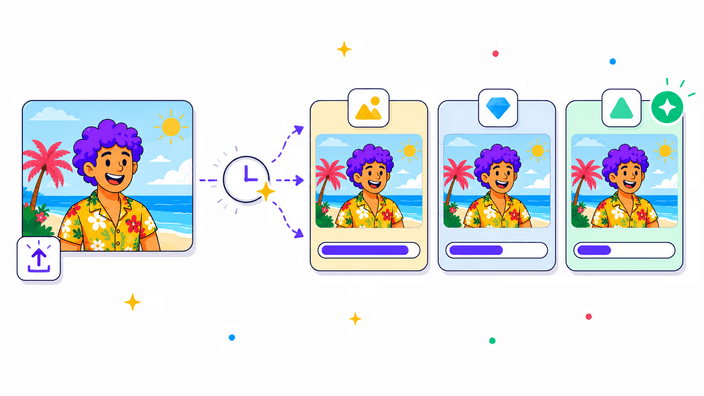
Yes. Drop a stack onto the grid, up to thirty at once, and the single button shrinks all of them together in one pass. They come back zipped, each one in its own type. A lone picture downloads by itself rather than zipped, so it stays just as quick whether you bring one or a dozen along.
Which formats can I compress?
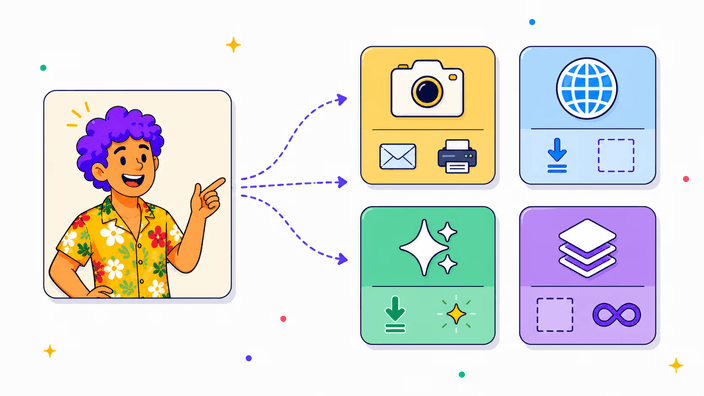
The four common photo and web types are all handled, and each one comes back smaller in the same format you put in, so the output always matches the input. Animated GIFs are not handled here, the convert tools cover those instead. A picture with transparency keeps its see-through areas after compressing, so a logo or a cutout still drops cleanly onto any background you place it on.
Does compressing make the image blurry?
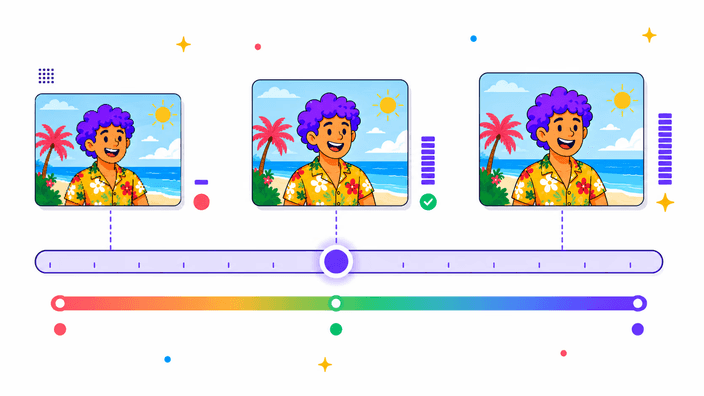
Not in any way you would notice on a normal photo. The setting is tuned to cut the file size while keeping the picture looking the way it should at the size it is used. Where it can show is if you push the same file through again and again, each pass softens tiny details a little more. So compress once, starting from your original whenever you can, and you keep a clean picture at a much lighter size.
How much smaller will my file be?
A typical photo from a phone or camera often drops well past half its weight, and a graphic with flat colour can fall even further. The exact amount comes down to how much detail is packed in and whether anyone has trimmed it before. You will see the real figure for each picture you run, so there is never any need to estimate it up front.
Does compressing change the image dimensions?
No. The width and height of your image stay exactly the same, only the file size on disk goes down. When the dimensions are what you really need to change, a screenshot far bigger than it needs to be, resize the image first and then compress the smaller version. The two steps work together, smaller dimensions and then a lighter file, for the biggest drop of all.
What happens to my files after I compress them?
Your download is yours to keep, and the working copy used to build it is cleared shortly after the run, with a delete-now option if you want it gone the moment you finish. The compressed result keeps the picture itself but drops the camera details such as location and date, which is usually a good thing when you share a photo with anyone.