What is an AI image upscaler?
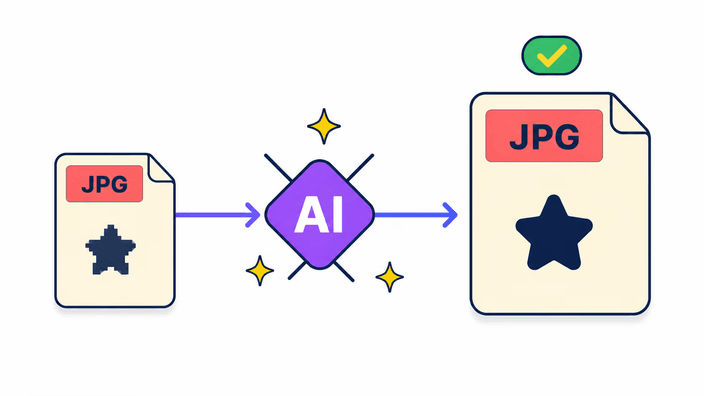
It is a tool that makes a photo bigger and sharper using a trained AI model rather than plain stretching. You give it an image and it generates new detail that fits the photo, returning a version at a higher resolution. It runs in the browser interface and does the actual work in the cloud, so it takes only a few seconds even on a phone. You drop the image in and the result comes back ready.
Can I upscale an image without losing quality?
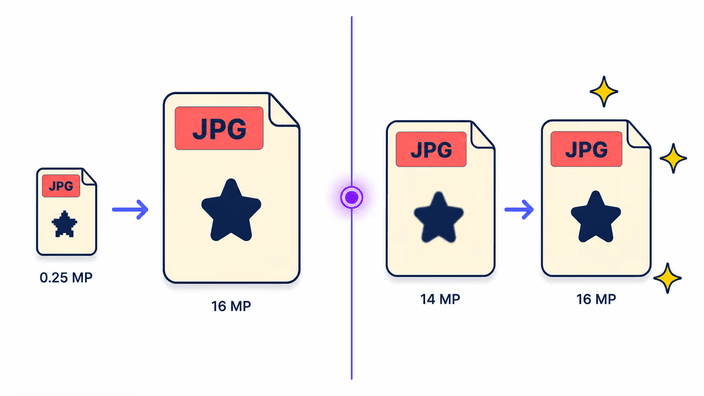
No upscaler enlarges an image with nothing changing, and this one is honest about that. The AI does not bring back the original detail that was missing, it generates new detail that matches your photo, making edges firmer and textures cleaner. The result looks bigger and sharper to the eye, even though it is not an exact copy of what the camera first captured.
Is AI image upscaling really free?
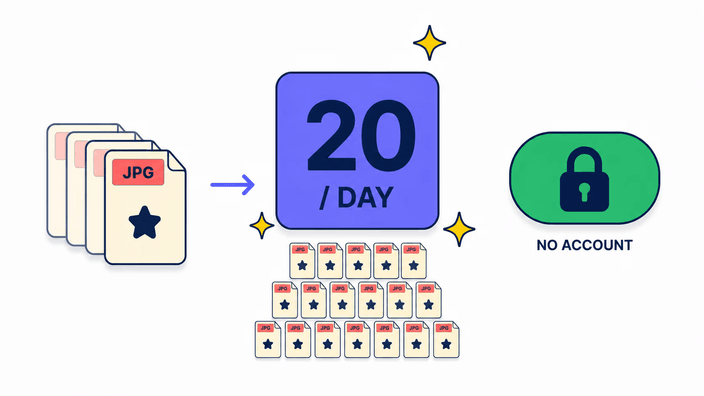
Yes, the tool is open to use and you pay nothing to upscale. There is a daily cap of photos per device, which keeps the tool standing for everyone. In everyday use you are unlikely to reach it. When you do, you simply come back the next day and keep upscaling whatever you still need to enlarge.
What image formats can be upscaled?
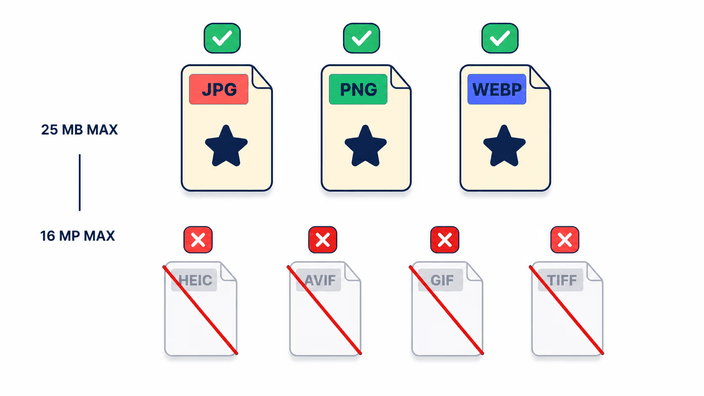
The everyday image formats of the web work directly. The usual trouble is an iPhone photo, which comes as HEIC and does not run here, along with a few less common types. The way around it is to convert your image to a common type before upscaling. Once that is done, it goes in like any other and the result comes out the same.
How long does AI upscaling take?
For a new photo, count a few seconds from the click to the result. If the same image has been through here before, it comes back almost instantly, because the service already has the finished result on hand. Bigger or more detailed photos ask for a touch more time, but the wait is short overall and you watch it on a progress bar.
Is my image safe when I upload it to an upscaler?
Not in the way you might fear. Once the upscale finishes, the result comes down to your browser and your file stops being tied to you or to any login. For a short while a cache version stays on the service, only so that re-sending the same photo does not have to run everything again. You can clear that result from the screen whenever you want.
What is the difference between upscaling and resizing?
Resizing changes an image's dimensions to a value you choose, and usually makes the photo smaller, inventing nothing. Upscaling with AI goes the other way: it enlarges the image and creates new detail so it can carry the larger size without going soft. If you just want an exact size, resize handles it. To gain real resolution, upscale instead.
Does AI upscaling work on old or blurry photos?
It works best on photos that are small, soft, or low in resolution, which is exactly where old and lightly blurry shots fall. The AI firms up the edges and rebuilds some of the texture the blur ate away, so the image comes back more defined. If a photo is completely out of focus, though, there is not enough to work from and the gain stays small.