Notes from the team on craft, formats, and the small decisions behind a good result.
Why AVIF decode is native and fast
Unlike AVIF encoding, which is heavy work, AVIF decoding is built directly into every modern browser. Chrome, Firefox, Safari, and Edge all ship a native AVIF decoder as part of their image pipeline, the same engine that renders AVIF embedded in web pages. So converting AVIF to PNG pays no warm-up cost and needs no extra module. The browser simply reads the AVIF, decodes it into an image buffer in memory, and hands that data to the native PNG encoder. The result is a conversion that finishes in well under a second for most real-world images, even large photographs. Only the PNG encode side varies in speed across browsers, and even the slowest observed path, around 122 milliseconds for a 1-megapixel image on WebKit, is fine for interactive use.
The lossless paradox, why PNG is bigger
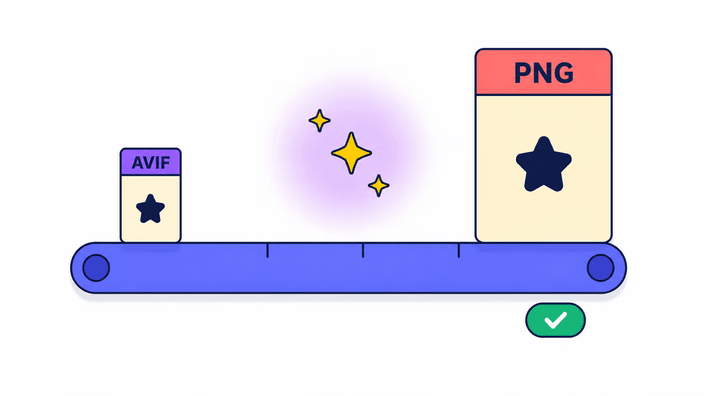
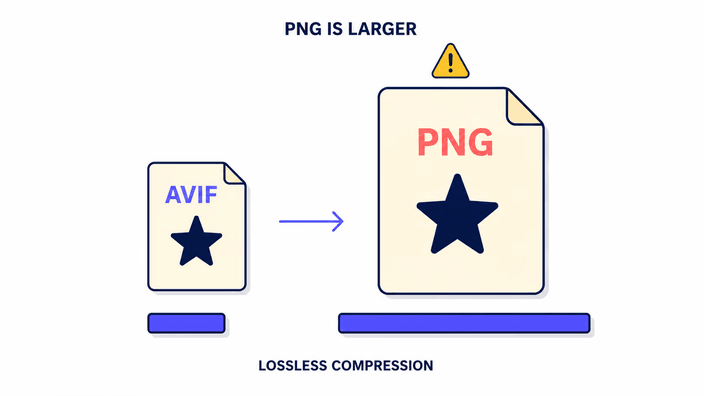
It seems backwards that a conversion can make a file larger, but AVIF to PNG is exactly that case. AVIF reaches its small size by dropping visual information the eye does not notice at normal viewing distances, so its compression artifacts are real but invisible under ordinary conditions. PNG takes the opposite stance, storing every detail exactly as decoded with no further quality reduction, using only the non-lossy DEFLATE algorithm. The result faithfully represents the decoded AVIF image data without added degradation. Because the AVIF already discarded some detail, the PNG cannot be smaller than one made from the original source, but it is strictly true to what the AVIF held. Ratios of three to ten times the AVIF size are normal and expected, never a sign of error.
Editing workflows that benefit from AVIF to PNG
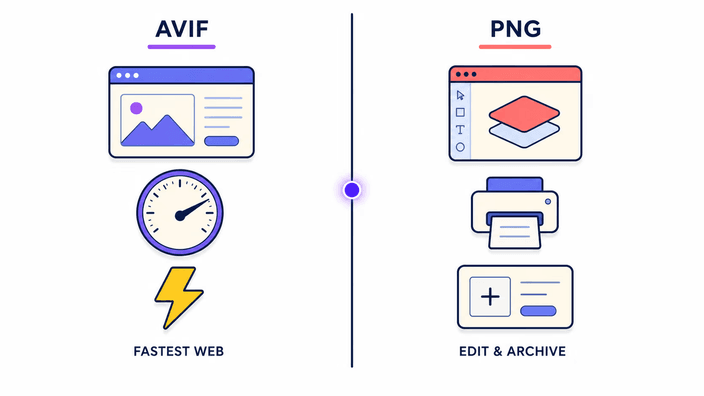
Designers and developers often receive AVIF files from automated image pipelines, content delivery networks, or modern content systems, then need to work with them in tools that have not added AVIF support. Converting to PNG yields an exact working copy carrying the same image data the AVIF held. From there, edits happen in Photoshop, Figma, Sketch, or any other design tool without adding compression artifacts. When the edited version is ready for the web, it can be re-exported as AVIF or WebP. This treats AVIF as the delivery format and PNG as the editing intermediate, the arrangement most compatible with current tooling. The PNG step adds no quality penalty beyond what was already present in the source AVIF.
How alpha survives the conversion
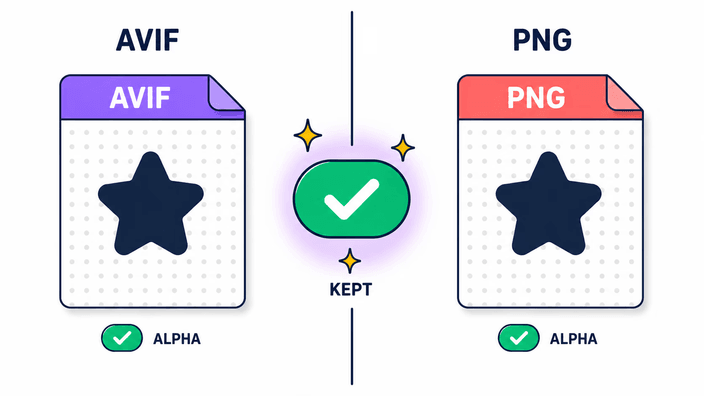
The transparency layer in AVIF is stored as a separate encoded plane alongside the color data. When the browser decodes an AVIF, it produces a color buffer and a transparency mask buffer. The conversion pipeline composites these at full transparency, then writes them out as a PNG. PNG's transparency encoding stores the mask as an 8-bit per-area channel attached to each color value. The result is a PNG where every area carries the same color and transparency values the browser read from the AVIF, ready for compositing. Soft transparency gradients survive. Feathered edges survive. Partially transparent areas survive. The only loss is whatever the AVIF's own compressed encoding introduced on the transparency plane when the AVIF was first created, usually a barely perceptible fringe at extreme zoom.
When AVIF to PNG is right for web delivery
Some web contexts genuinely require PNG even in 2026. Email newsletter images must be PNG or JPG because most email clients parse images on a remote server and reject AVIF. Social platforms vary: some process AVIF on upload and convert internally, others simply refuse the format. Print workflows running software PDF pipelines often need PNG for transparent layers, since AVIF is not part of the PDF imaging model. Open Graph preview images benefit from PNG or JPG because link-preview scrapers run on infrastructure that may lack AVIF decoding. For these delivery targets, converting to PNG is not a step backward but the correct choice given the destination system's constraints. The compatibility is worth the extra bytes.
How processing differs from a typical online tool
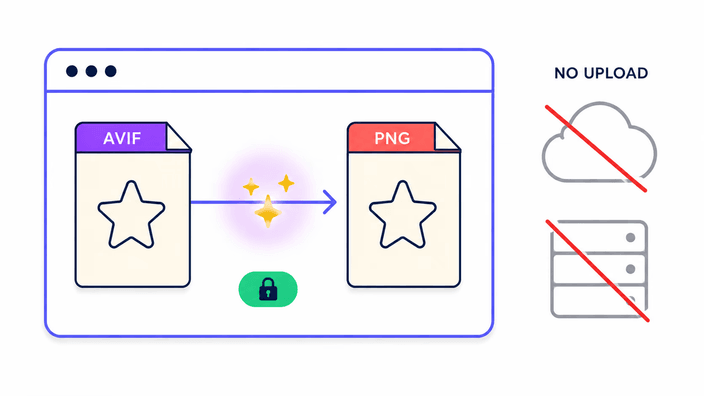
Most online AVIF converters upload every file you give them to machines you do not control, and hold the result under whatever retention policy the provider sets, often vague. RoundCut splits the work by how much you convert. A single AVIF is decoded and re-encoded entirely on your device, so nothing is uploaded for that case. When you convert two or more at once, the batch goes to our server, which does the decode and encode in one pass and returns a single download. Those files are processed and then removed within about 2 hours, without asking for an account and with no use beyond the conversion you asked for. There is no permanent storage and no sharing of your images. For developers handling client assets or proprietary imagery, the trade is straightforward: one image stays with you, a batch passes through our server only to produce your PNGs, and nothing lingers.