Notes from the team on craft, formats, and the small decisions behind a good result.
Why AVIF beats WebP on photographs
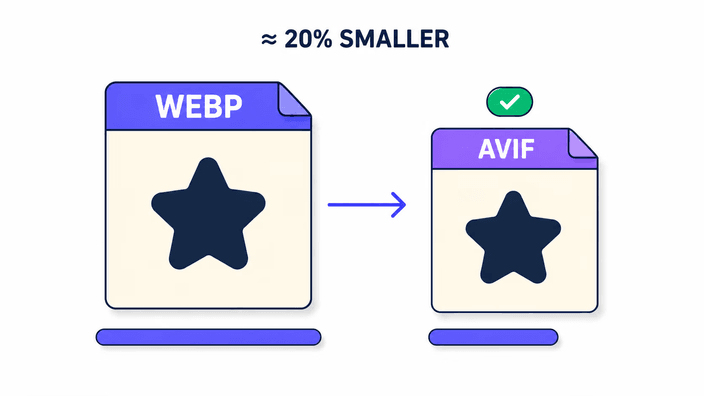
AVIF's compression advantage over WebP comes from the underlying codec. WebP uses the an engine built for video back in 2010. The codec behind AVIF was released in 2018 after years of research aimed at the limits of those older methods. It compresses color detail more aggressively, divides the image into smaller blocks, and packs the result more tightly. The practical result, confirmed across large photo test sets, is that AVIF is typically 20 to 30 percent smaller than WebP at the same perceptual quality on photographs. On computer-generated graphics with flat color and hard edges the gap narrows, because WebP's simpler algorithm handles those patterns efficiently. For any page whose heaviest assets are photographs, the AVIF upgrade has measurable bandwidth impact.
The second lossy pass in practice
When you convert a WebP to AVIF, both the source and the output use compression. The WebP encoder already decided which color information to discard when the WebP was first created, and those decisions are permanent: converting to AVIF cannot recover any of it. The AVIF encoder then makes its own decisions about the color values it receives, at quality 85. For photographs, the combined effect of two compression passes is still visually near-exact at typical display sizes, measuring around 42 dB PSNR on real photo content. For graphics already degraded by their WebP encoding, the second pass can compound visible artifacts. The practical rule: if the source WebP looks clean at the size you plan to display, the AVIF will too. If the WebP already shows compression noise, examine the AVIF carefully before shipping it.
How the alpha channel flows through
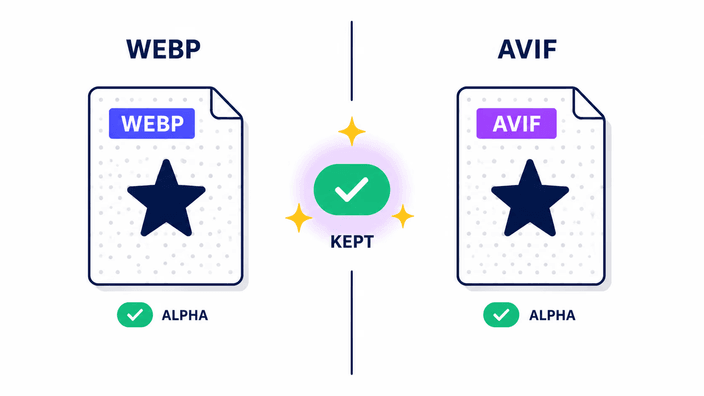
Both WebP and AVIF encode transparency as a separate layer alongside the color data. The conversion reads the WebP's transparency mask, composites it at full opacity, then hands it to the AVIF encoder, which writes its own transparency track using intra-frame coding at quality 85. Soft transparency gradients, feathered edges, and partially transparent areas all survive this round trip. The AVIF transparency layer is itself compressed at quality 85, which can introduce barely perceptible fringing at hard edges under extreme zoom. At normal viewing sizes the difference from the source is not visible. For precise work on small icons where the transparent edge must be exact, keep the WebP source and verify the output at full zoom before you ship.
Encode-time expectations across browsers and devices
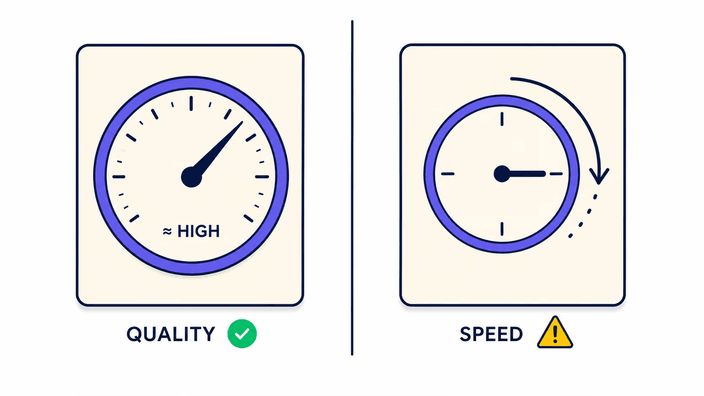
The AVIF encoder warms up once per browser session, adding about a second to the first conversion. After that, Chromium gives the best throughput: roughly 40 milliseconds for a 0.12-megapixel thumbnail, 250 milliseconds for a 1-megapixel photo, 2.8 seconds for a 4K photo, and 25 seconds for a full 48-megapixel image in the worst case observed. Firefox is the notable outlier, running the same encoder about four times slower, which puts the 4K case near 31 seconds and large files past two minutes. WebKit sits between the two, closer to Chromium. Mobile hardware runs 3 to 5 times slower than desktop across all engines. For routine file-by-file conversion, Chrome on a laptop or desktop is the practical tool. For Firefox users with large images, the honest advice is to switch browsers or keep WebP.
Core Web Vitals and the AVIF upgrade
Pages that serve photographs pay a bandwidth cost for every image loaded. If those images are currently WebP, converting them to AVIF cuts the per-image transfer by roughly 20 to 30 percent on photographs. On a page with a 200-kilobyte WebP hero image, AVIF brings that to roughly 140 to 160 kilobytes. On a product grid with twelve 30-kilobyte WebP thumbnails, AVIF saves roughly 70 to 90 kilobytes of total page weight. These savings directly affect Largest Contentful Paint when the LCP element is an image. At about 94 percent global browser support for AVIF, a picture element serving AVIF first with a WebP fallback covers essentially all traffic. The markup cost is paid once per image component, and the bandwidth saving repeats across every page load afterward.
Why AVIF conversion leans on a server
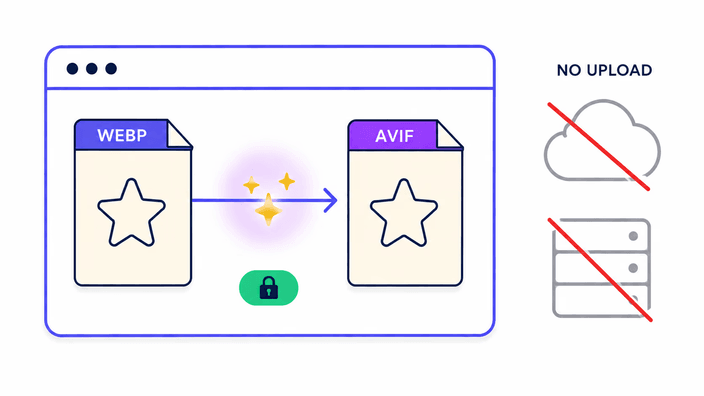
AVIF is built on a modern codec, the same family used for modern video, and it is deliberately heavy to encode in exchange for its tight files. Doing that work well, especially on large photographs, is far faster and more reliable on a real server than in a phone browser, so this pair sends the image to our server to encode the best possible AVIF. The file is processed and the result is handed back, and the download is removed within about 2 hours, with no long-term storage. Converting several images at once always runs on the server, which assembles the finished set into a single download for you, deleted on the same short timer. If our server cannot be reached, a single conversion is encoded locally instead, that one file staying on your device, accepting a slower encode for the convenience. The trade is plain: server encoding buys you quality and speed on the format that needs it most, and your file is never retained past the brief window it takes to convert.