Notes from the team on craft, formats, and the small decisions behind a good result.
How WebP achieves smaller sizes than PNG
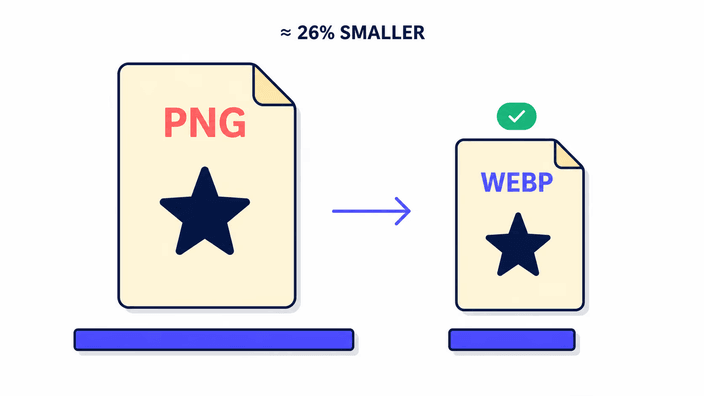
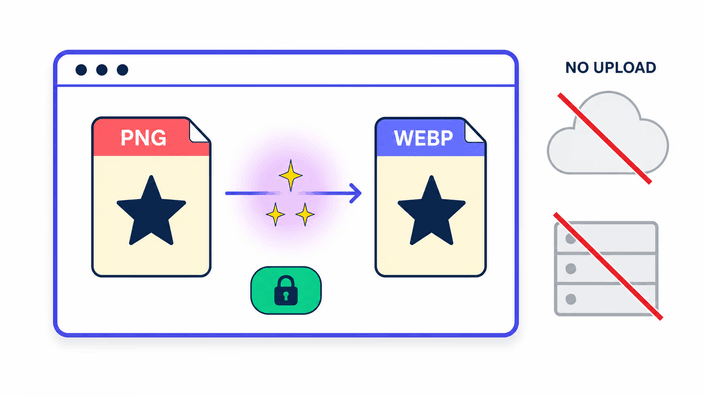
WebP uses two distinct compression modes. The exact-copy mode combines spatial and color prediction with an entropy coding stage that is more sophisticated than PNG's DEFLATE, achieving compression ratios roughly 26 percent better on typical images according to Google's published benchmark. The size-reducing mode applies a block-based transform similar to video compression, designed to discard perceptually irrelevant information while preserving what the eye actually sees. For images with an transparency support, WebP uses a separate no-loss sub-compression for the transparency data while applying size-reducing compression to the RGB data, which is why compressed WebP with transparency can be roughly three times smaller than a PNG at equivalent visual quality. PNG's DEFLATE is without quality loss-only and cannot take advantage of the perceptual trade-off that the size-reducing mode exploits. The format difference explains the gap.
Transparency in detail
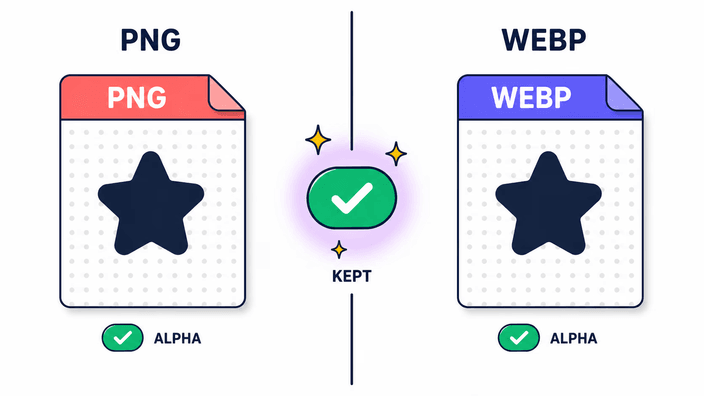
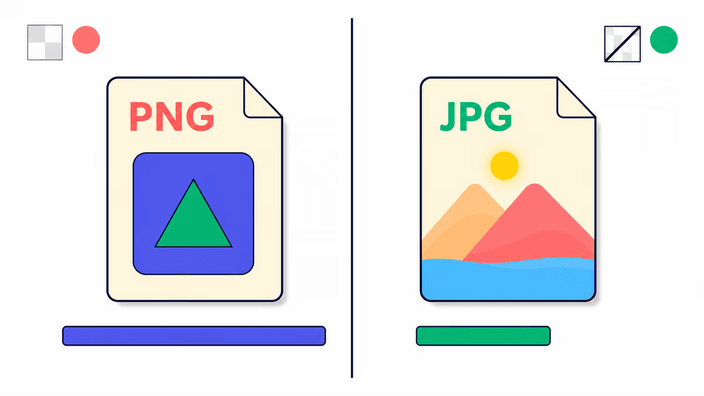
Both PNG and WebP support 8-bit transparency transparency, meaning each detail can hold an opacity value from 0 (fully transparent) to 255 (fully opaque). When re-encoding a PNG to WebP, the engine reads every color value and passes the transparency values into the WebP compression step. Those transparency values are preserved with no-loss compression, independent of how the color data is encoded. The result is that fully transparent areas, semi-transparent areas, and fully opaque areas all map to the exact same state in the WebP. For a logo with soft drop-shadows or anti-aliased text on a transparent background, the edge smoothness survives intact. JPG has no transparency field in its format specification and must fill transparent areas with a background color before encoding.
Core Web Vitals and image format choice
Largest Contentful Paint measures how long it takes for the largest visible element on the page to appear in the viewport. For most content pages, that element is the hero image, and Google uses LCP as a ranking signal in its Core Web Vitals assessment. PNG images are a consistent source of LCP failures. A photographic PNG at 4K resolution can weigh several megabytes, while the equivalent WebP at near-exact quality is typically a fraction of that. PageSpeed Insights flags this specifically in its serve-images-in-next-gen-formats audit item, listing PNG as the target format to replace. Converting PNGs that appear in critical render paths to WebP is one of the highest-leverage single changes for improving measured page performance. The browser support timeline makes this safe, with Chrome adding WebP in 2011, Firefox in 2019, Safari in 2020, and Edge from its Chromium rebuild.
Compressed output and the near-exact setting
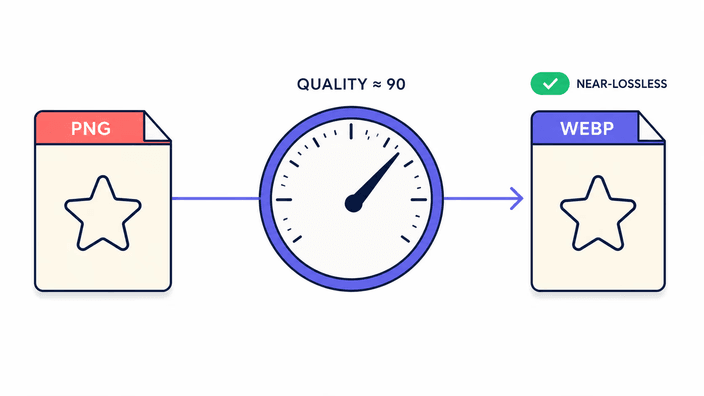
WebP encoding offers a quality parameter from 0 to 100, where higher values preserve more detail at the cost of larger files. This tool encodes at a fixed near-exact setting tuned to balance visual fidelity against file size for the typical web asset categories of photographs, UI graphics, and icons. At this setting, the output is perceptually indistinguishable from the source PNG at normal screen viewing distances. Technically, some bit-level precision is lost relative to a true without quality loss encode, which means a byte-level comparison between the decoded WebP pixels and the original PNG pixels will show small numerical differences. These differences are below the threshold of human perception for photographic content. For medical imaging, satellite photography, or archival preservation, fidelity without any loss is a hard requirement. In those cases, keep the PNG as the working copy and use WebP only as a delivery export.
Metadata behavior
The pipeline used for PNG-to-WebP conversion strips EXIF, IPTC, and XMP metadata from the output. This matches the behavior observed across all three major browser engines. ICC color profiles are handled inconsistently, where Chrome and Safari preserve the sRGB ICC profile tag in WebP output and Firefox strips all metadata including the ICC profile. The net result is that the converted WebP is sRGB-safe across browsers, but any wide-gamut tagging such as Display-P3, Adobe RGB, or ProPhoto RGB present in the source PNG will not survive in Firefox. For color-critical professional workflows, this inconsistency matters. If the final output needs color profile fidelity, convert with a tool that explicitly writes ICC data. Or apply the profile tag as a post-processing step using a dedicated metadata editor.
When to keep PNG and when WebP is sufficient
The practical decision tree is short. If the image's final destination is a web page or web application, and the rendering environment is any browser from 2020 onward, WebP is the right export format. If the image needs to open in a design application like Figma, Sketch, or Affinity Designer, verify WebP support in the specific version you use. Support varies across versions. If the image will be used in a print workflow, PNG or TIFF is preferred since most print RIPs do not handle WebP. If the image will be sent in email, PNG is safer since email clients are notoriously inconsistent with modern formats. If the image will be used as a working file that gets edited and re-saved multiple times, keep the PNG as the master. WebP at near-exact quality is an excellent delivery format, and PNG is the better archival and editing format. The ideal workflow keeps the PNG as the original and exports to WebP for web delivery.