Notes from the team on craft, formats, and the small decisions behind a good result.
How a single image converts on your machine, and what changes for several
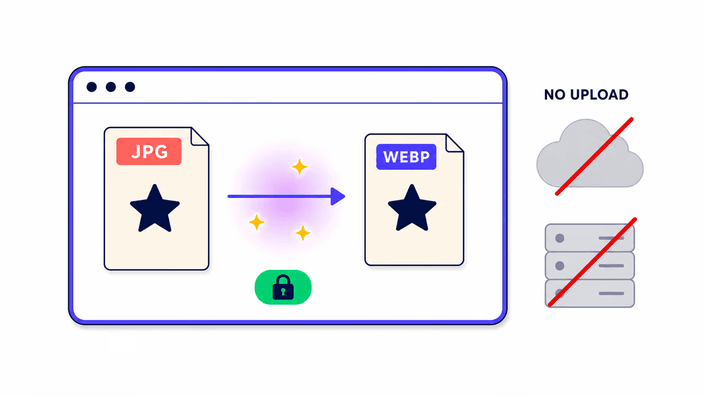
When you drop one JPEG on the page, the browser reads the file into memory, decodes the compressed data back into raw detail with its built-in JPEG reader, draws those results into an off-screen surface, and asks the platform to write them back out as WebP. Every step happens right on your machine, so no bytes cross the network. In our runs a compact phone JPEG finishes in roughly 54 milliseconds, and a large high-resolution photo takes about 550 milliseconds. When you convert several images at once, the work moves to our server instead, which encodes them together and returns one download whose link is removed within about 2 hours.
What happens to EXIF and metadata
JPEG files can carry real metadata payloads. EXIF records the camera model, GPS coordinates, shutter speed, and orientation. IPTC fields hold copyright and caption. XMP packets track edit history, and ICC profiles cover colour-managed work. The conversion here keeps none of it. The output WebP is a clean file holding only the visible detail. That is the normal behaviour for image tools that draw through the browser, across Chromium, Firefox, and WebKit alike. For most web publishing, dropping the metadata is a plus: it trims a few bytes and stops GPS or personal data leaking into a public image. If you need one specific field kept, orientation being the usual one, rotate the photo first or use a metadata-aware editor before converting. Do not lean on this tool for archival work where the original metadata has to survive intact.
WebP versus JPEG: how the compression differs
JPEG slices an image into small square blocks and runs a Discrete Cosine Transform to turn spatial detail into frequency data, then compresses the higher frequencies harder. WebP borrows a prediction scheme from VP8 video: each block is guessed from its already-decoded neighbours, and only the leftover difference gets stored. That tends to leave fewer blocky artifacts at the same file size, especially across smooth gradients and skin tones where JPEG's grid can surface as a visible mosaic. On photos at high quality, the eye rarely catches the difference, but the size advantage holds steady. At lower quality, WebP's lead widens and the artifact character shifts: WebP smears into a softer blur while JPEG shows its trademark blocks. Neither wins on every image. Heavily textured subjects like foliage sometimes compress about the same in both formats.
Core Web Vitals and the case for WebP
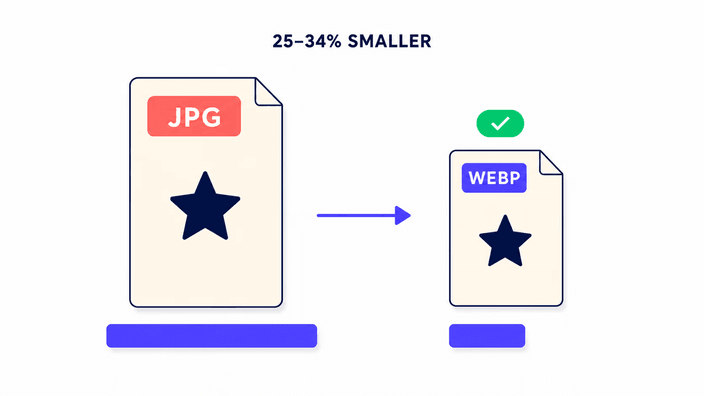
Largest Contentful Paint, or LCP, measures how fast the biggest visible element finishes loading in the viewport. On most marketing pages that element is a hero photo. Google has confirmed Core Web Vitals act as a ranking factor in Search. When the hero is a large JPEG, it can shove LCP past the 2.5 second threshold on a mid-range mobile connection. Convert the same photo to WebP and LCP can slide back inside the green zone with no other change to the page. The 25 to 34 percent saving compounds across every image on the page. A page carrying several JPEGs can shed hundreds of kilobytes by switching to WebP, which directly speeds up the first meaningful paint on slow links. CDNs that support content negotiation hand WebP to compatible browsers on their own, so there is no per-image busywork once the originals exist.
Browser support for WebP in 2026 and the gaps
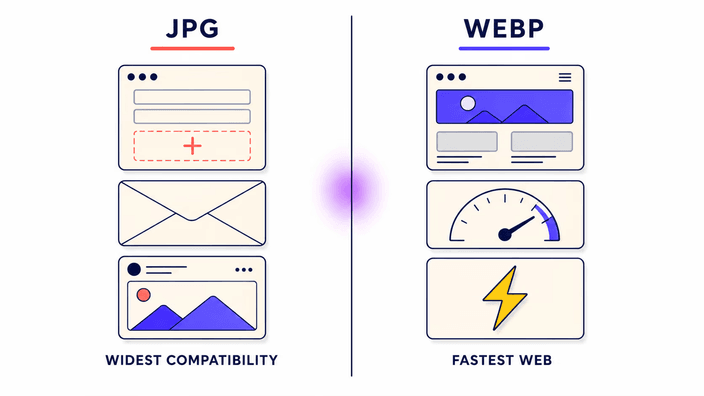
As of 2026, WebP reads in Chrome since version 17, Firefox since 65, Edge since 18, Opera since 11.10, and Safari since version 14 on iOS 14 and macOS Big Sur. According to caniuse.com, combined global coverage for WebP decode tops 97 percent of browser traffic. The remaining sliver is mostly Internet Explorer 11, Safari 13 on macOS Catalina, and a long tail of very old Android browsers. For most public projects, serving WebP to everyone is safe. When you need total coverage, the HTML picture element lets you list a WebP source and a JPEG fallback in one tag, and the browser takes the first format it can read. CDNs with image optimisation negotiate the format automatically from the Accept header the browser sends, so no manual per-browser testing is needed when you serve through them.
When not to use WebP
WebP is the right call for web delivery to modern browsers, but it is the wrong call in a few common spots. Print work needs CMYK colour, which WebP does not carry, so JPEG and TIFF stay standard for the press. Email clients are uneven: Gmail and Apple Mail render WebP, but Outlook on Windows does not. File sharing and marketplaces vary too. Google Drive, Dropbox, and GitHub show WebP fine, while many social platforms, stock agencies, and e-commerce systems re-compress incoming images to JPEG internally, which makes the WebP step pointless. Editor support is still patchy: Lightroom, Capture One, and Affinity Photo can open WebP, yet plenty of plugins and export presets still default to JPEG. For any workflow that passes images through third-party systems you do not control, keep a JPEG master and convert to WebP only at the final delivery layer.